Desktop or cloud: where LiDAR classification should run
Classification has to run somewhere: on the workstation under the desk, or on a machine in a data centre reached through a browser. The choice sets a project's pace, its cost shape, and who holds the data along the way. Neither answer is right everywhere. Four questions settle it: where the blocks already sit, how the costs scale, what the contract allows, and what each runtime does best.
Where the data already sits
LiDAR blocks are large: gigabytes per tile, tens of gigabytes per campaign. Classification runs fastest where the points already are. A block copied from a field drive is quickest to classify on that workstation; a campaign delivered by the provider into cloud storage is quickest to classify in the cloud. Moving data the other way costs time either direction. Fifty gigabytes at a sustained 100 Mbps is about 4,000 seconds, over an hour, and office uplinks are usually slower than that. Ask first where the blocks land, and how often.
The cost models have different shapes
Cloud classification is metered, per gigabyte, per hectare, or per job, and every re-run is billed again. Desktop classification is a licence and a capable GPU workstation, after which a re-run costs time rather than money. The trade is capacity: the workstation is a fixed ceiling, while metered cloud has none. Teams pay per pass precisely for that elasticity.
For some programs, the contract decides
Public-sector mapping, defence-adjacent surveys, and critical-infrastructure work often name where the point cloud may be processed: controlled machines, in-country, an approved processor, or never outside a given network. Read the clause before evaluating software. Some clauses rule out any third-party processing, and the desktop is the only compliant answer. Others accept an approved processor with the right hosting region and agreements. Ask a vendor whether it offers a runtime that satisfies your clause, not which one it prefers.
Iteration: run, review, adjust, re-run
A pass runs, a reviewer finds low vegetation biting into a slope, the settings change, the pass runs again. The length of that loop sets the project's pace. On a workstation the loop is tight because block, model, and reviewer share one machine. In the browser it is tight because the block is already on the compute and review happens in the same window. The slow variant is the hybrid: upload to classify, download to review, on every turn. Whichever runtime you pick, keep the review next to the compute.
Where the desktop fits
- Blocks that arrive on drives. Already on local storage; no transfer at all.
- Contract-bound programs. When the clause names controlled machines, the workstation is the compliant answer.
- Steady weekly volume. An owned GPU workstation amortizes quickly, and re-runs stop costing money.
- Offline sites. Remote offices classify without a link.
Where the cloud fits
- Burst campaigns. One massive dataset and no time to stand up hardware.
- Teams without workstations. A browser and a login put serious compute within reach.
- Data delivered to cloud storage. Classify beside the bucket and skip the download.
- Review across offices. Streaming a classified block to reviewers and clients is what hosted infrastructure does well.
Choosing where classification runs
| Dimension | Desktop | Cloud |
|---|---|---|
| Data movement | None for blocks on local storage | None for blocks in cloud storage |
| Iteration loop | Tight: one machine | Tight in the browser; slow if downloaded for review |
| Cost shape | Licensed; re-runs cost time | Metered; re-runs billed again |
| Capacity | Bounded by the workstation | Elastic |
| Contract rules | Clauses naming controlled machines | Clauses accepting an approved processor |
- Where do blocks land: field drives, an office server, or a provider's bucket?
- Does a contract clause name where the point cloud may be processed?
- How many review-and-adjust passes does a typical block take?
- Steady weekly volume, or a rare spike larger than your hardware?
- Who reviews, and from where?
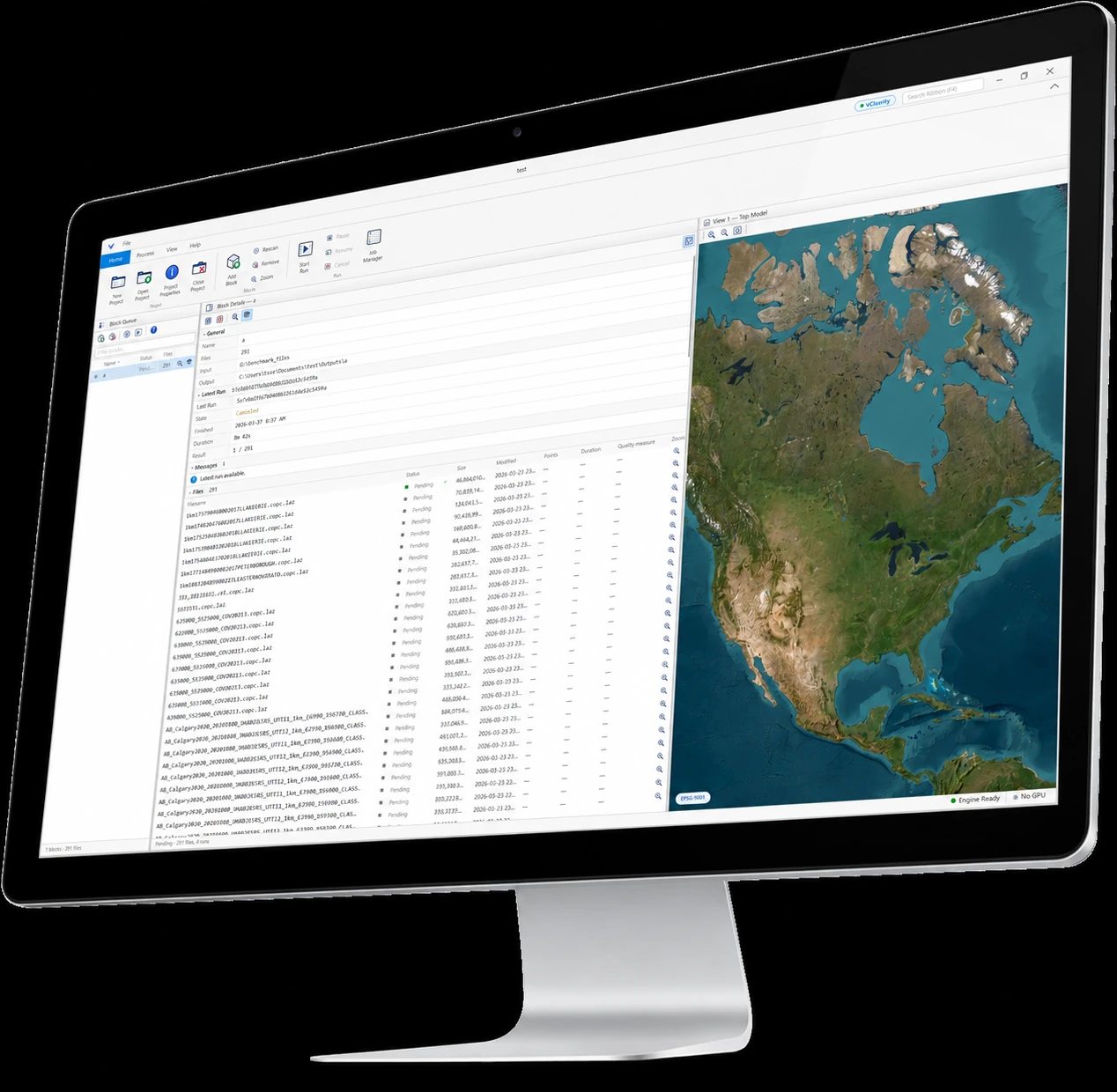
Vecten runs the same models in both places: Vecten Desktop on your workstation, Vecten Cloud in the browser. The output is the same review-ready classified LAS or LAZ either way; the choice belongs to the contract and the job.
Frequently asked questions
- Is desktop LiDAR classification more secure than cloud?
- Not by itself. Security is the controls around the data: who can reach the workstation, or which hosting region and agreements cover the processor. The compliant choice is the one your contract names.
- Does cloud classification cost more than desktop?
- It depends on volume and iteration. Metered cloud is cheaper for a rare spike or a team without hardware; a desktop licence is cheaper when blocks run weekly and get re-run often.
- Can a team use both?
- Yes. Desktop for blocks that arrive on drives or fall under a data clause; cloud for burst campaigns and blocks delivered to cloud storage. The same models keep outputs consistent.
- Where should review happen?
- Next to the compute: on the workstation that classified the block, or in the browser session that ran the job. Downloading results to review each pass is the slow path.